What if managing your fitness challenges was as easy as texting a friend?
The FitClash Assistant is an AI-powered chat that handles everything you'd normally click through menus to do. No forms, no navigation, no hunting for buttons. Just type what you want.
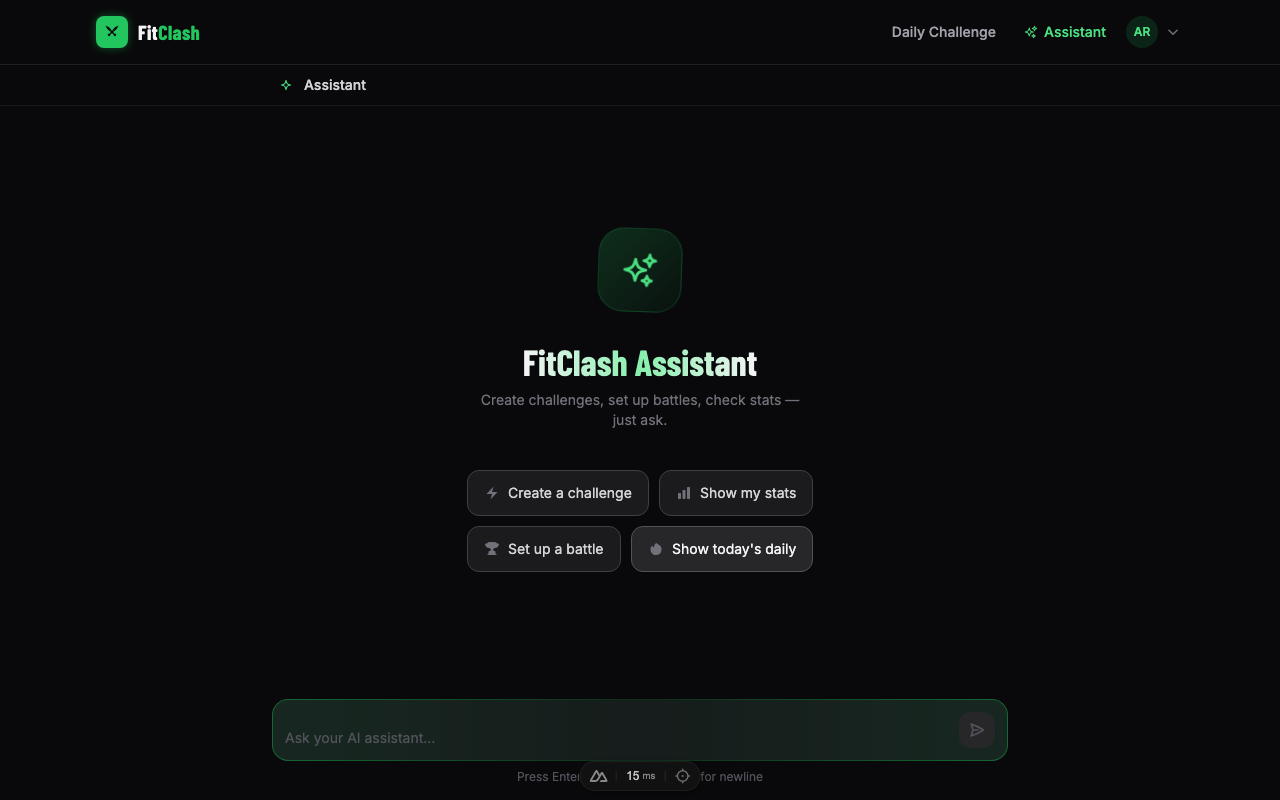
Talk to It Like a Coach
The assistant understands fitness. You don't need to learn any special commands — just talk naturally:
- "Create a Fran challenge" — it knows 21-15-9 thrusters and pull-ups, for time. Builds the full workout description, picks the right scoring type, and gives you a shareable link.
- "Show me today's daily" — pulls up today's challenge with the full workout card and a live leaderboard.
- "Set up a battle called Friday Throwdown" — creates the competition with a single sentence.
- "Make it harder" — it knows you mean the workout. Updates the description while keeping everything else intact.
Say "AMRAP" and it picks the right scoring. Say "for time" and it sets a time cap. Say "add wall balls" and it updates the right challenge. No menus required.
Cards, Not Walls of Text
When you ask for something, you don't get a text dump. You get the actual UI cards you see throughout the app — rendered right in the chat.
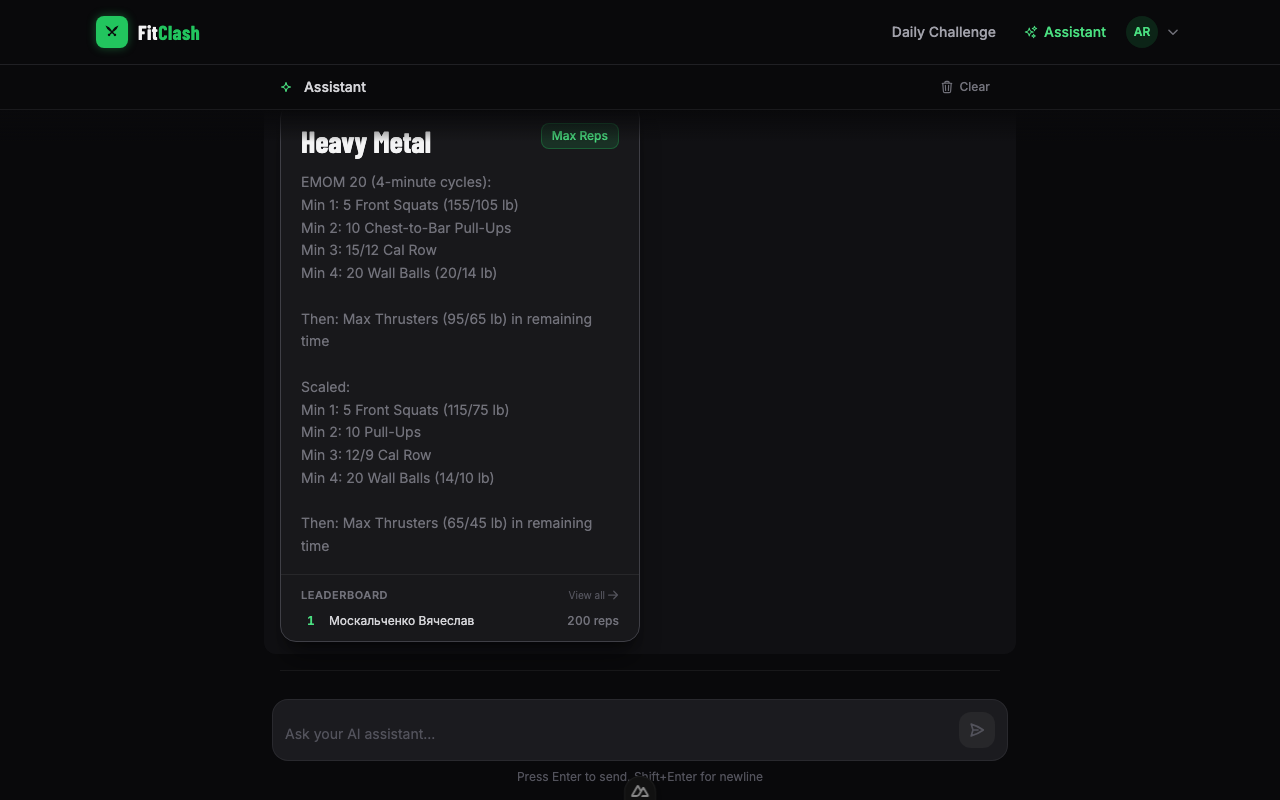
Ask for today's challenge and you'll see the full workout card with description, scoring type badge, time cap, and a live leaderboard showing the top 5 athletes. Tap the card to go straight to the challenge page.
The same applies for everything:
- Battles show the competition card with status, location, and dates
- Sessions show the block-by-block training plan
- Your scores appear as a clickable list — tap any to jump to that challenge
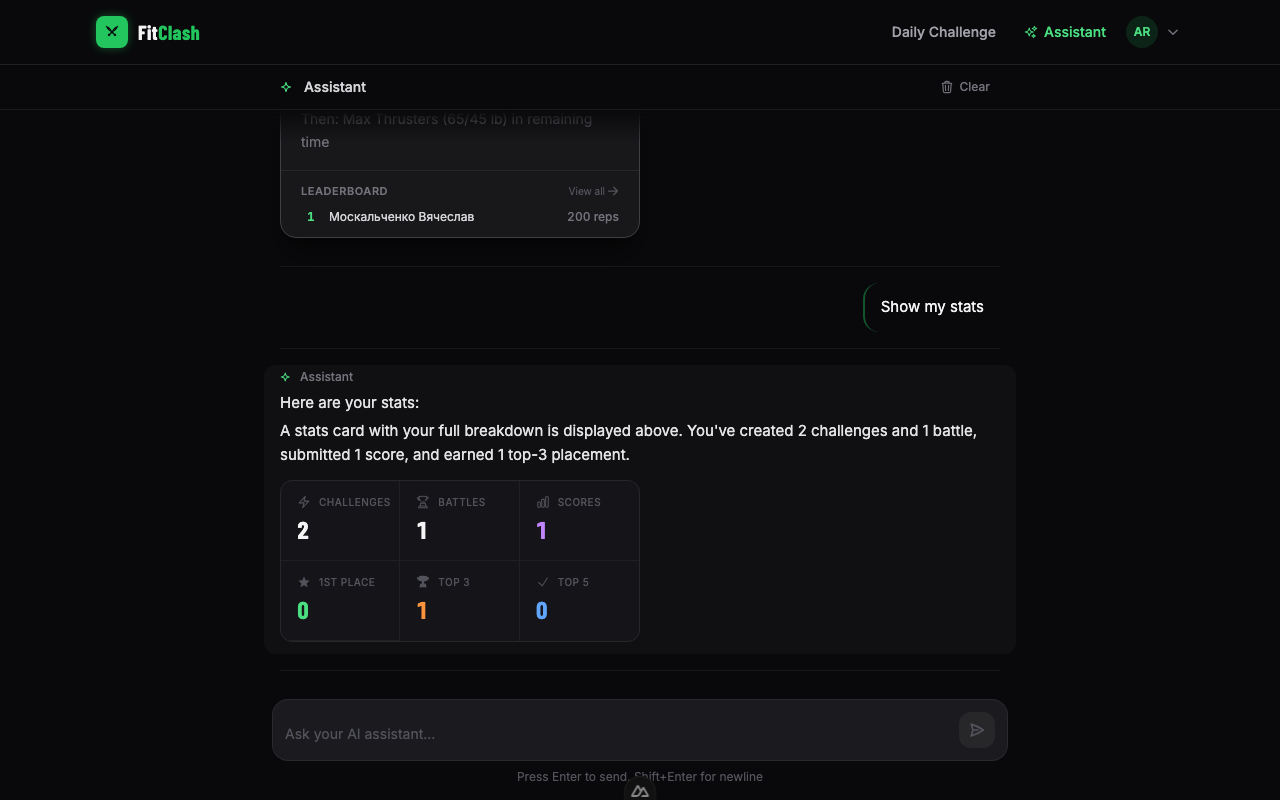
- Your stats render as a dashboard with challenges created, scores submitted, and podium finishes
Create on the Fly
Describe a workout and the assistant builds it. It fills in the details — the description formatting, weights for Rx and Scaled, the right scoring type, time cap. You get a challenge card right in the chat, ready to share.
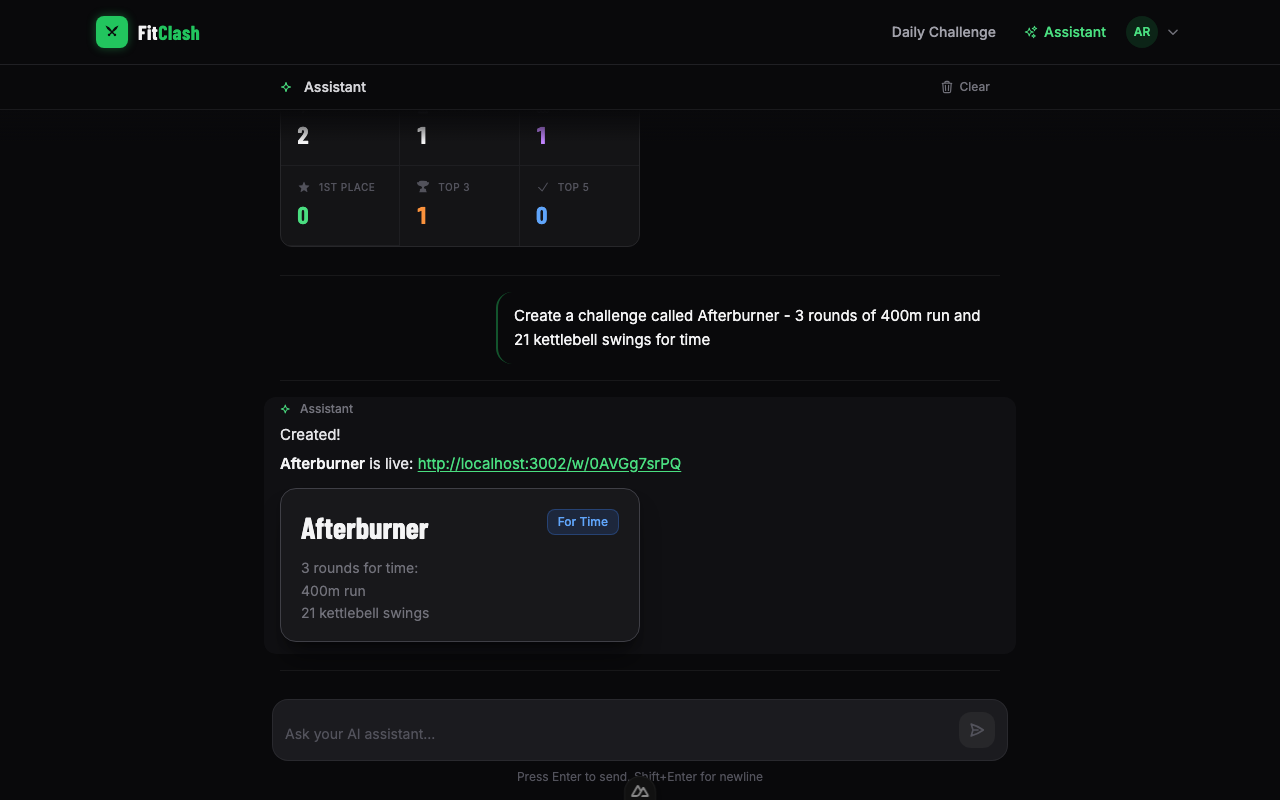
Need to tweak it? Just say "change it to 5 rounds" or "swap pull-ups for ring rows" and the assistant updates the challenge in place.
Submit and Update Scores
Tell the assistant to submit your score and it handles everything. Already submitted? It'll replace your old score with the new one — no need to delete and resubmit. Just say "update my score to 4:16" and it's done. Your rank updates immediately.
Everything in One Place
Ask "show my challenges" and you'll see your recent creations — each one clickable, taking you straight to the challenge page. Same for battles, scores, and daily archive. Lists are capped at 5 with a "View all" link to keep the chat clean.
Try It
Sign in and head to fitclash.app/assistant. Start with one of the quick prompts or just type what you need. You might not go back to the forms.